
Explore
Follow Travellers
Follow people whose itineraries you like.
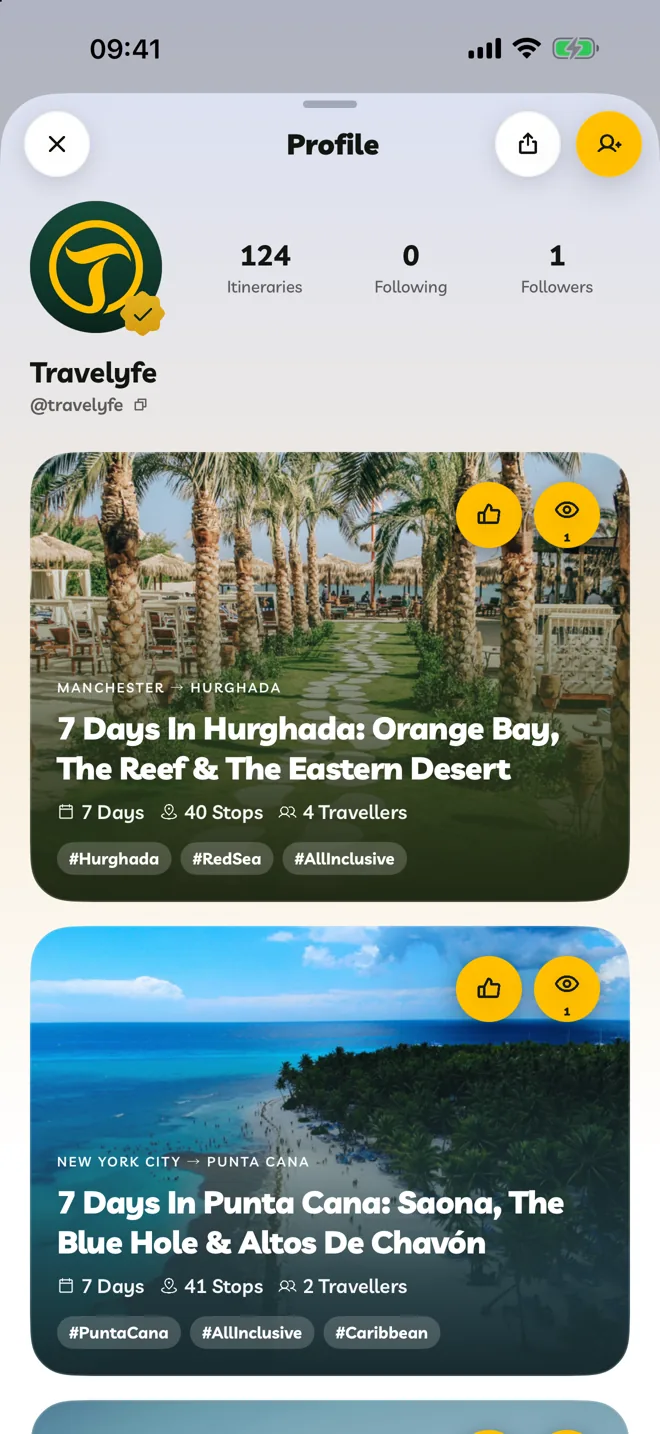
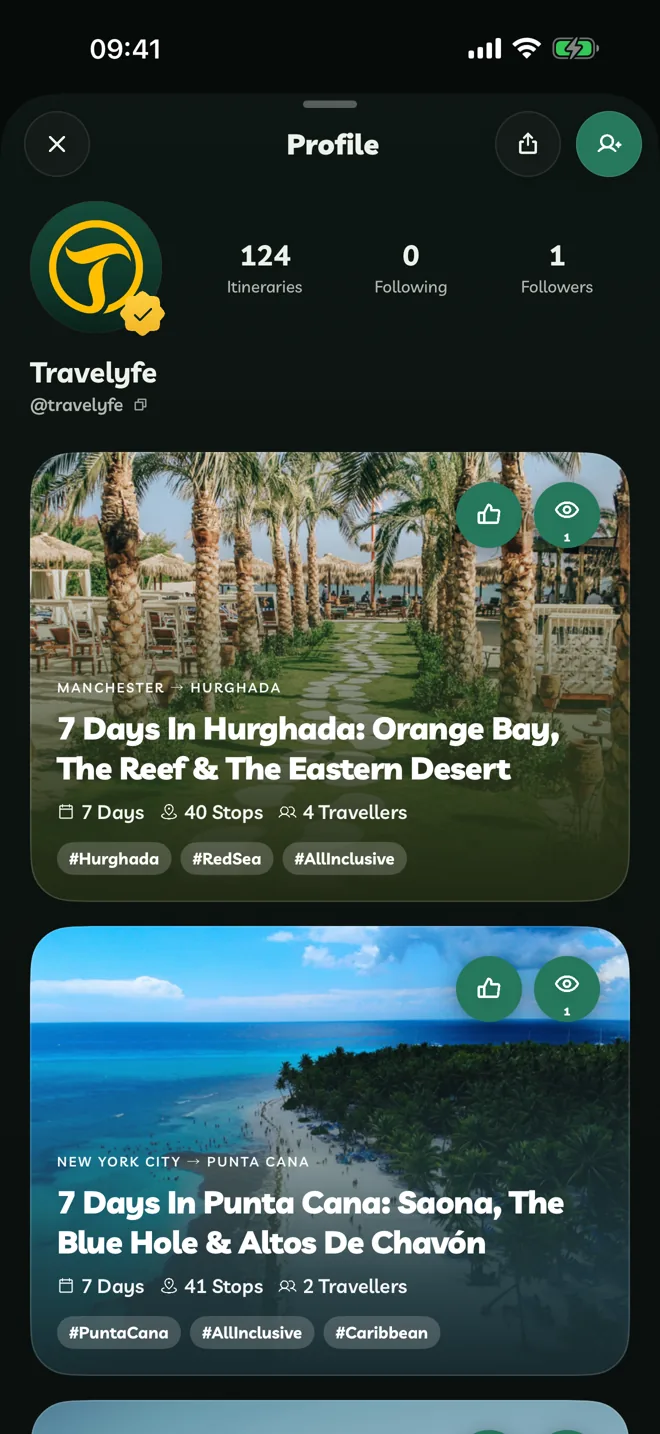
Open Someone's Profile
Tap a traveller's photo on an itinerary card, or search for them in Search under People. Their profile shows their published itineraries.
Follow Them
- On a card, tap the + on their photo.
- On their profile, tap the follow button at the top.
Their new itineraries then appear in Following on Explore.
When you follow each other, you become Friends, and they're easy to find when you share an itinerary.
More
On a profile, More Options has Share Account, Report and Block. See Manage Followers And Blocked Accounts.
On the web, profiles don't have Report or Block. Use the menu on one of their itineraries instead.