
Explore
Find Itineraries On Explore
Browse itineraries from other travellers, and keep the ones you like.
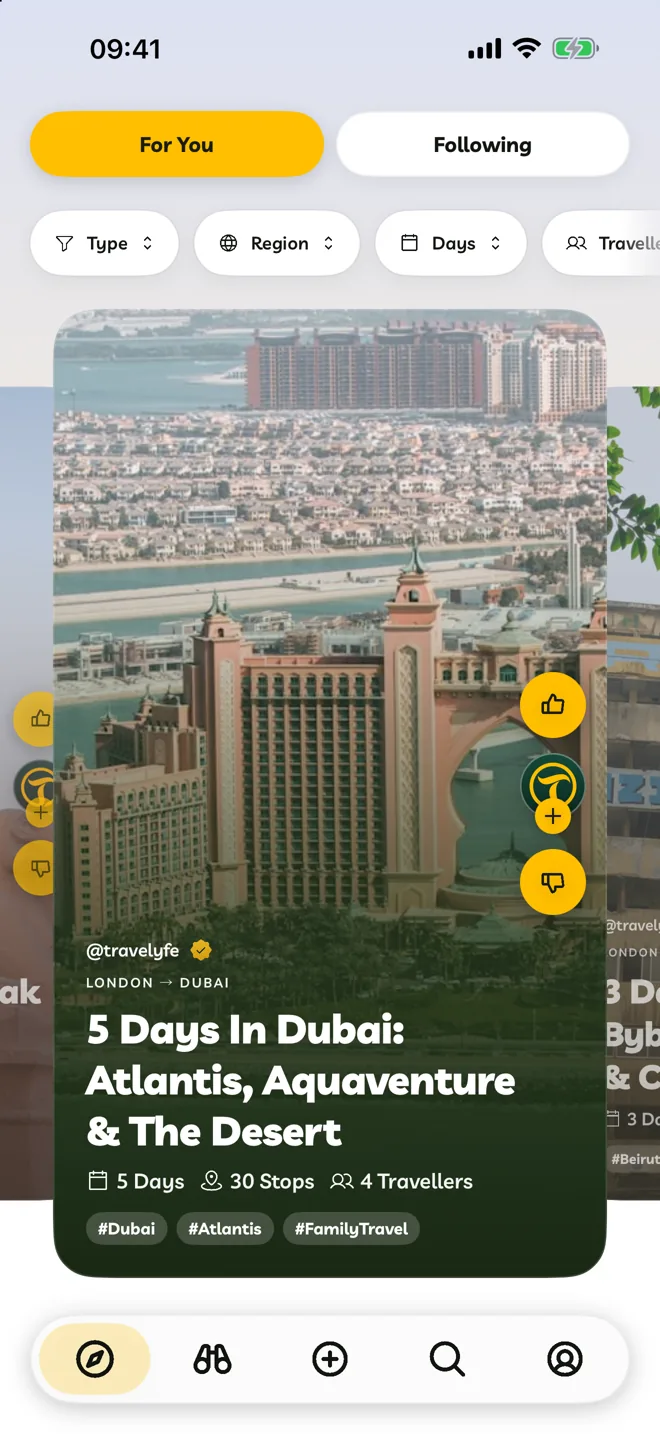
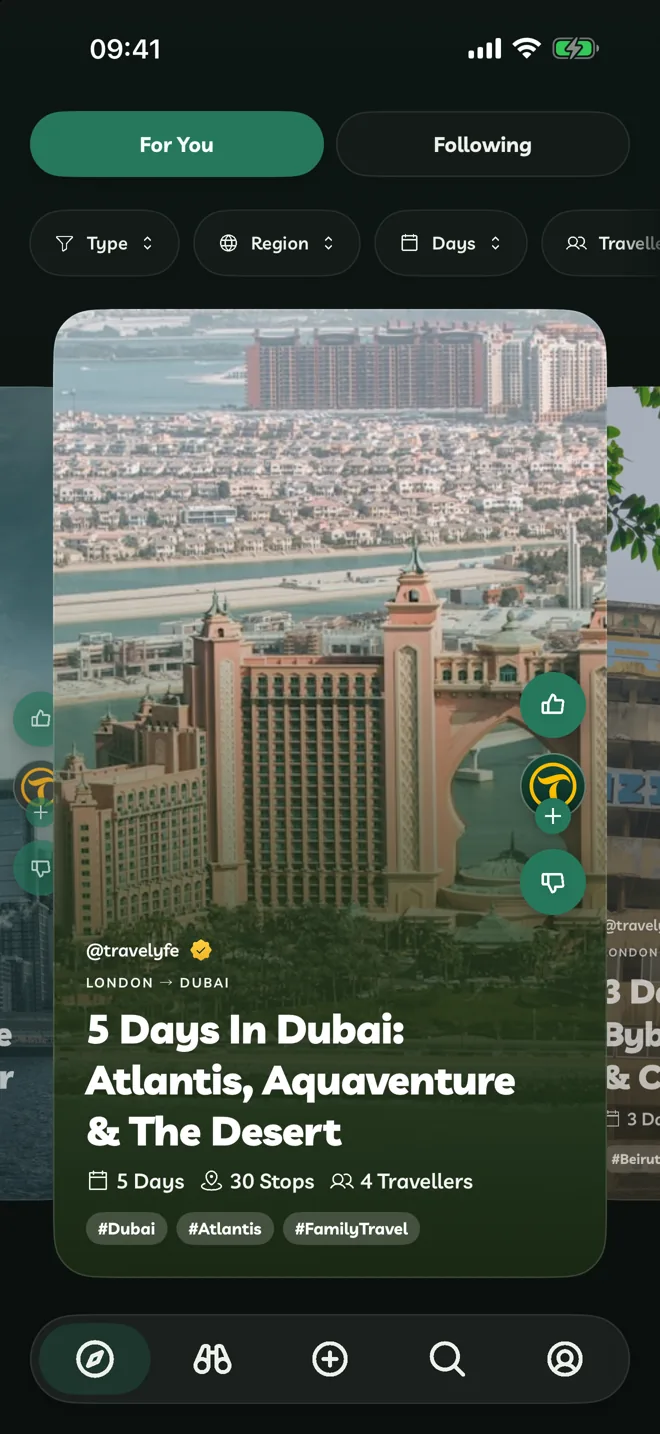
Explore has two feeds:
- For You: itineraries picked from what you like and dislike, and the places you're drawn to.
- Following: new itineraries from people you follow.
Browse
- Swipe left or right to move between itineraries.
- Tap one to open it.
- On a Mac or an iPad with a keyboard, use the arrow keys.
Filter
Use the buttons above the feed to narrow it down. Choose All in any of them to reset it.
- Type: Hot, New or Hidden Gem.
- Region: the parts of the world you want to see.
- Days and Travellers: how long, and for how many people.
Like Or Dislike
- Like (or swipe up) adds the itinerary to Liked on your Account tab. Explore shows you more like it.
- Dislike (or swipe down) hides it and shows you fewer like it. Tap Undo to bring it straight back.
To find an itinerary you disliked, go to Account > Liked, set Reaction to Disliked, and tap Undo Dislike.
Make It Yours
Open the itinerary and tap Save Itinerary in the bottom corner. You get your own copy, under Itineraries on your Account tab, to change however you like.
Search
To look for somewhere in particular, tap Search. Choose Itineraries, Activities or People, and type at least two letters.