
Manage Followers And Blocked Accounts
Following, followers, friends, blocking and reporting.
On Account, tap Following or Followers to open People. It has three tabs: Following, Followers and Blocked.
- The button on each person shows whether you follow them. Tap it to follow or unfollow.
- When you follow each other, the button shows you're Friends.
- To find someone new, use Search Users.
Block Someone
Tap More Options on their row in People, or on their profile.
Choose Block, then confirm.
You won't see each other's itineraries. To unblock someone, open Account > Followers > Blocked and tap Unblock.
You can also block the author of an itinerary from its More Options menu.
Report Something
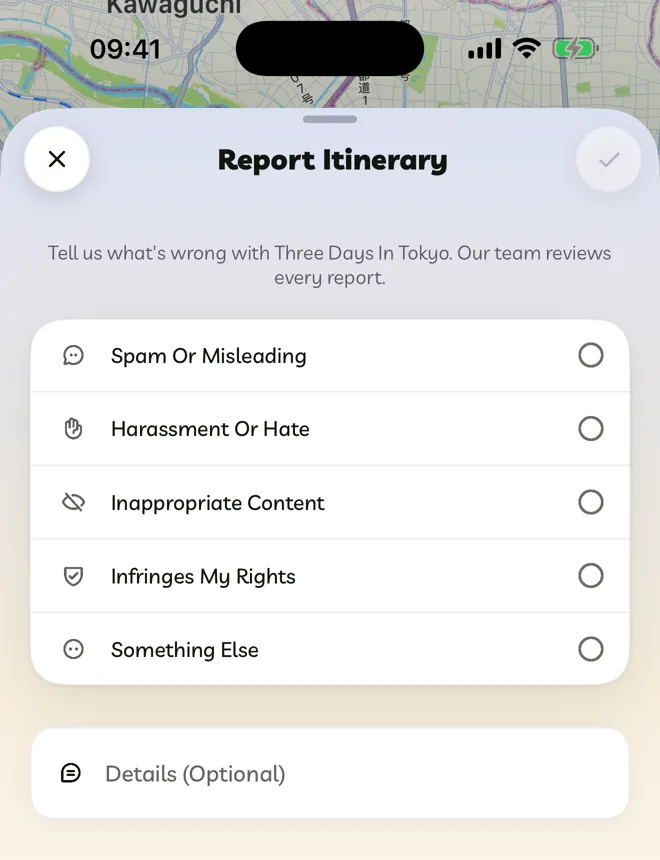
- An itinerary: go to More Options > Report Itinerary.
- An account: tap More Options on their row or profile, then Report.
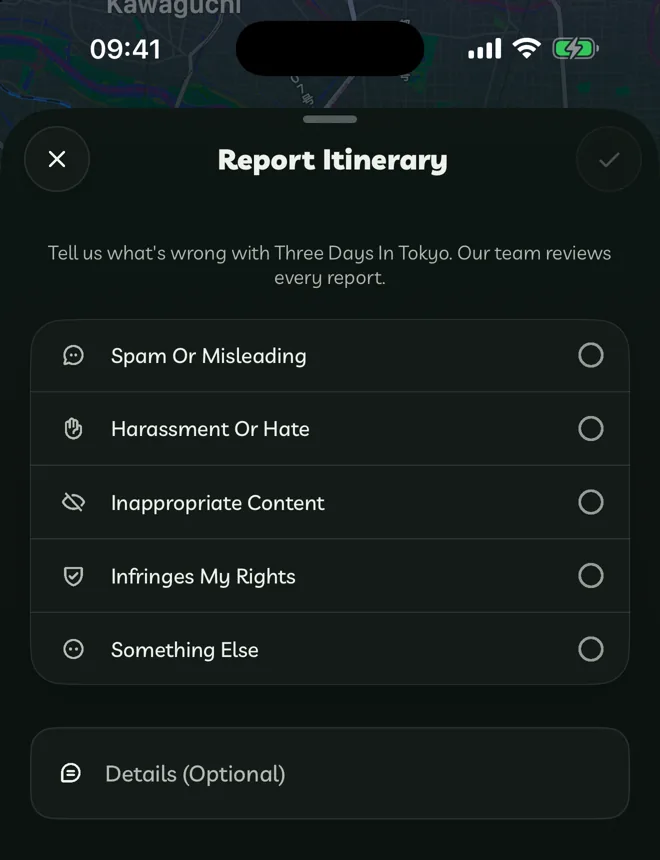
Choose a reason: Spam Or Misleading, Harassment Or Hate, Inappropriate Content, Infringes My Rights or Something Else. Add details if you like, then tap Submit Report.
We review every report.
On the web, People has Following, Followers and Blocked, but profiles have no Report or Block. Use an itinerary's menu instead.