
Getting Started
Set Up Travelyfe
The three quick questions Travelyfe asks after you first sign in.
After you first sign in, Travelyfe asks three quick questions. You can change your answers later.
The Questions
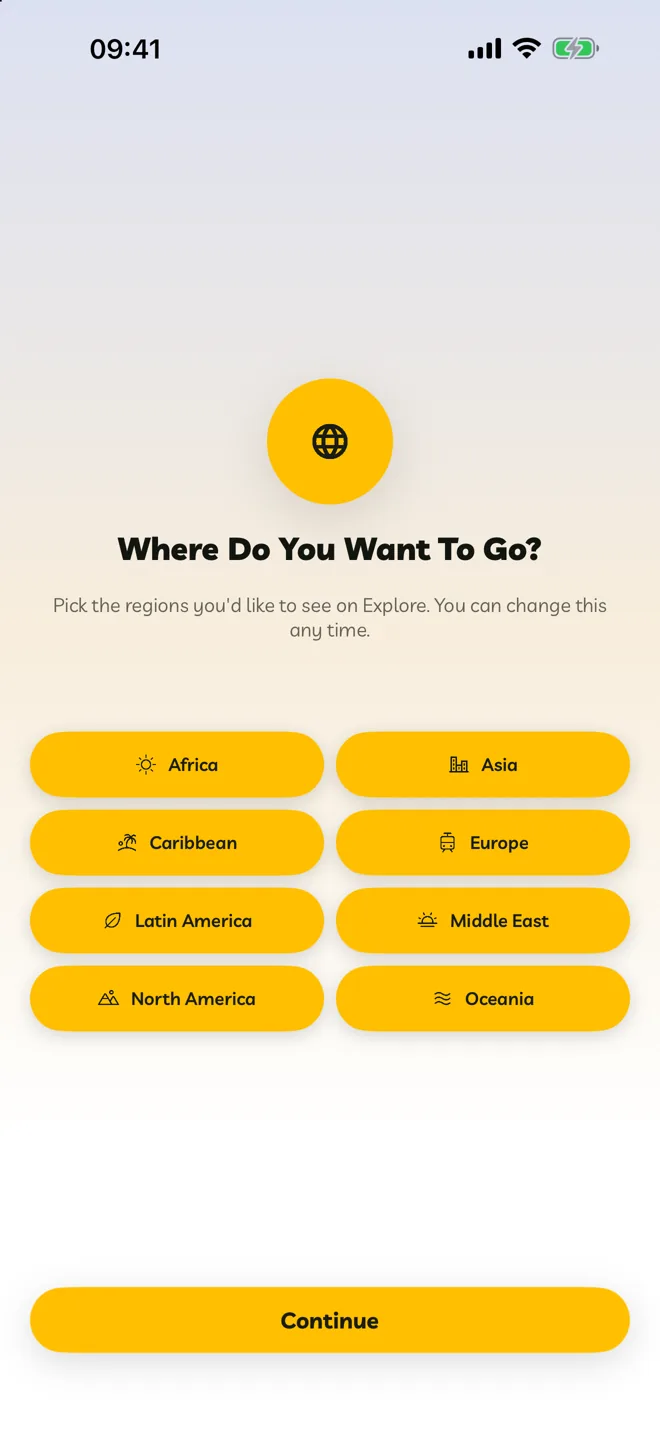
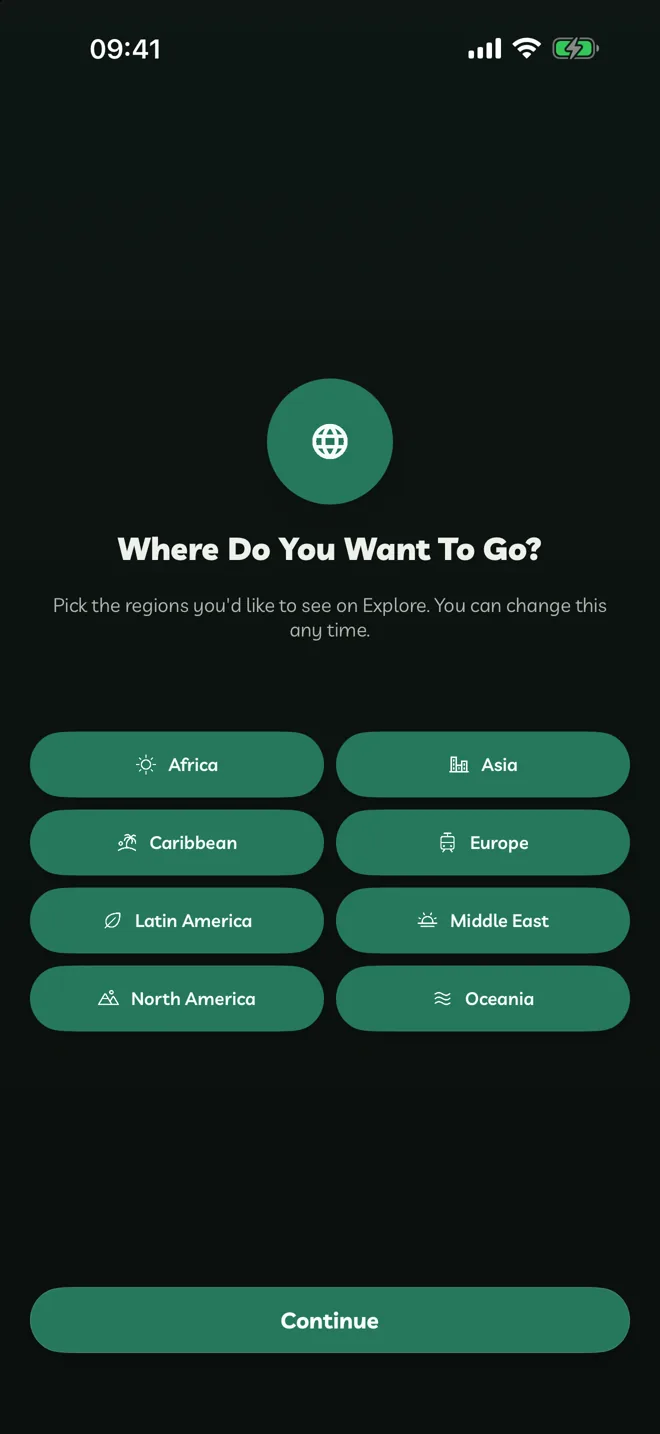
Where Do You Want To Go? Every region starts selected. Tap any you're not interested in, then tap Continue. Explore shows you more from the regions you keep.
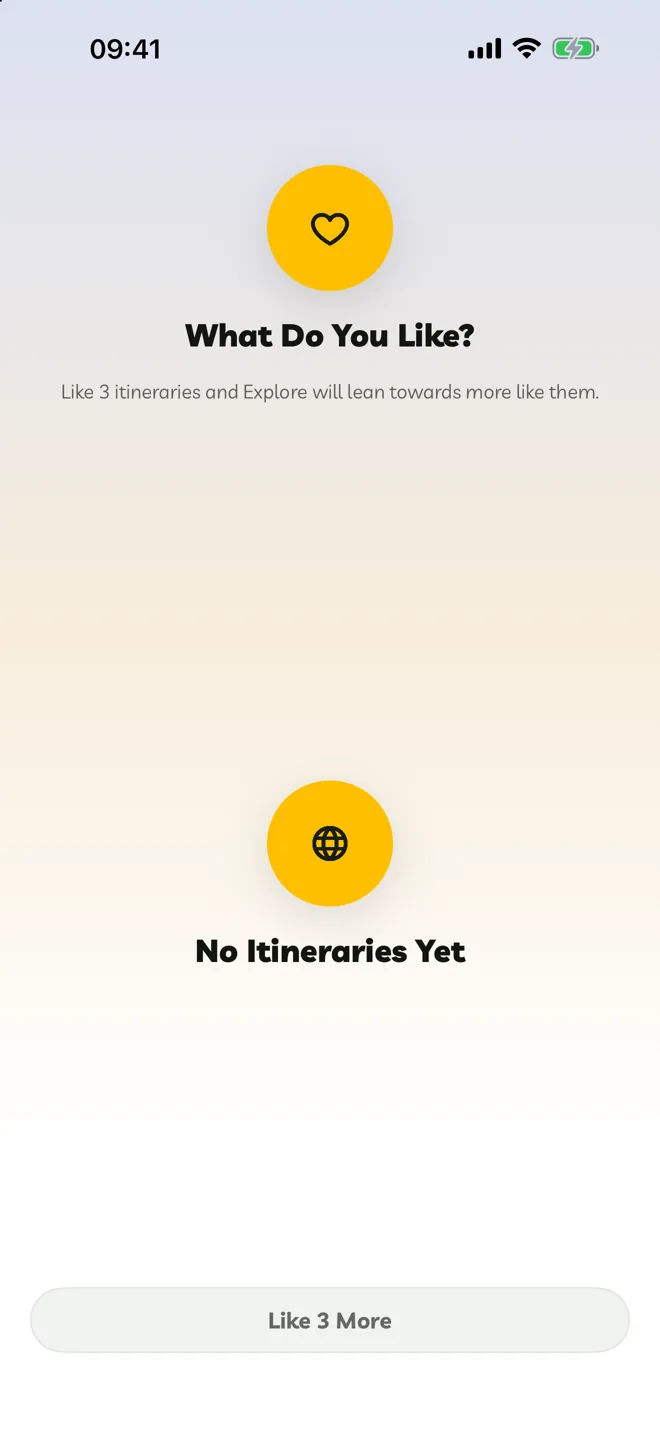
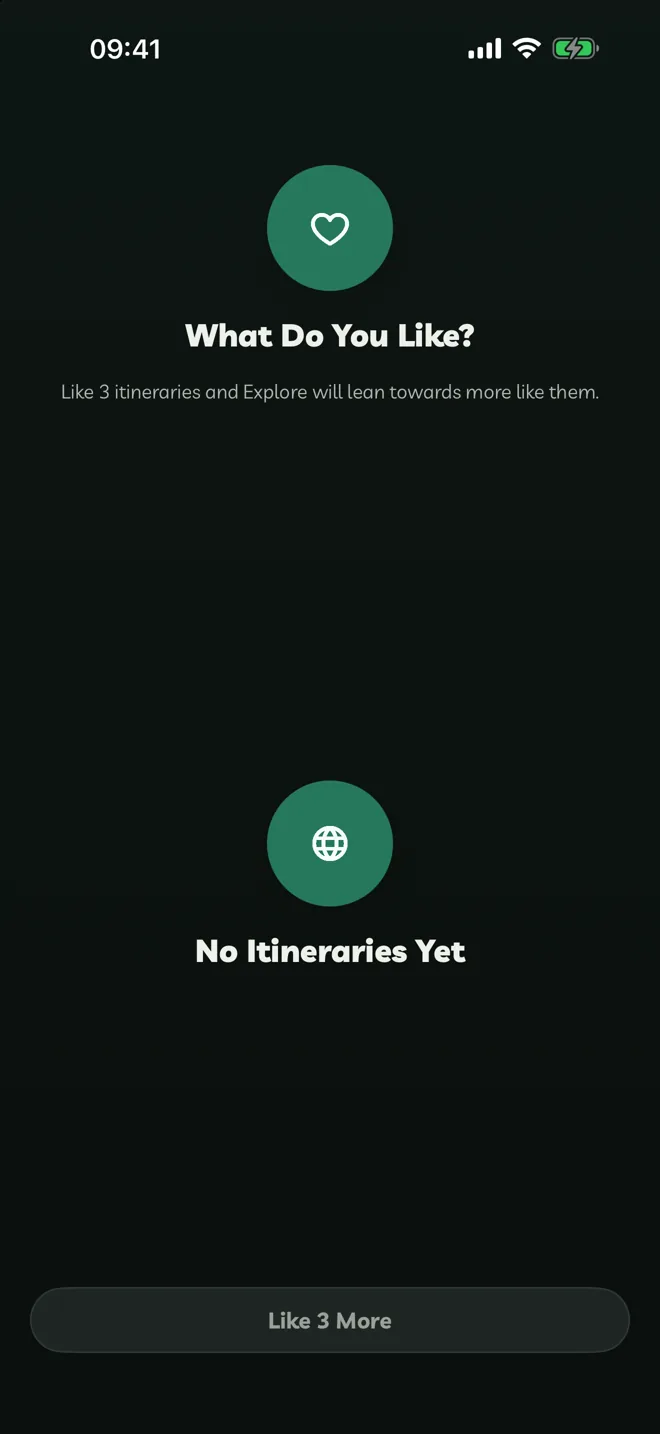
What Do You Like? Like three itineraries. Explore uses them to learn what you enjoy, and moves on after the third.
A Few Quick Things. Both switches are optional:
- Location fills in where you're travelling from, and finds activities near you.
- Notifications lets Travelyfe send reminders and alerts.
You can also tell us how you heard about Travelyfe. Tap Continue.
Travelyfe Pro. See what Pro adds. Subscribe, or close it to start planning.
Go Back
To go back a step, tap the back button or swipe right.