
Getting Started
Find Your Way Around
The five tabs, and where everything lives.
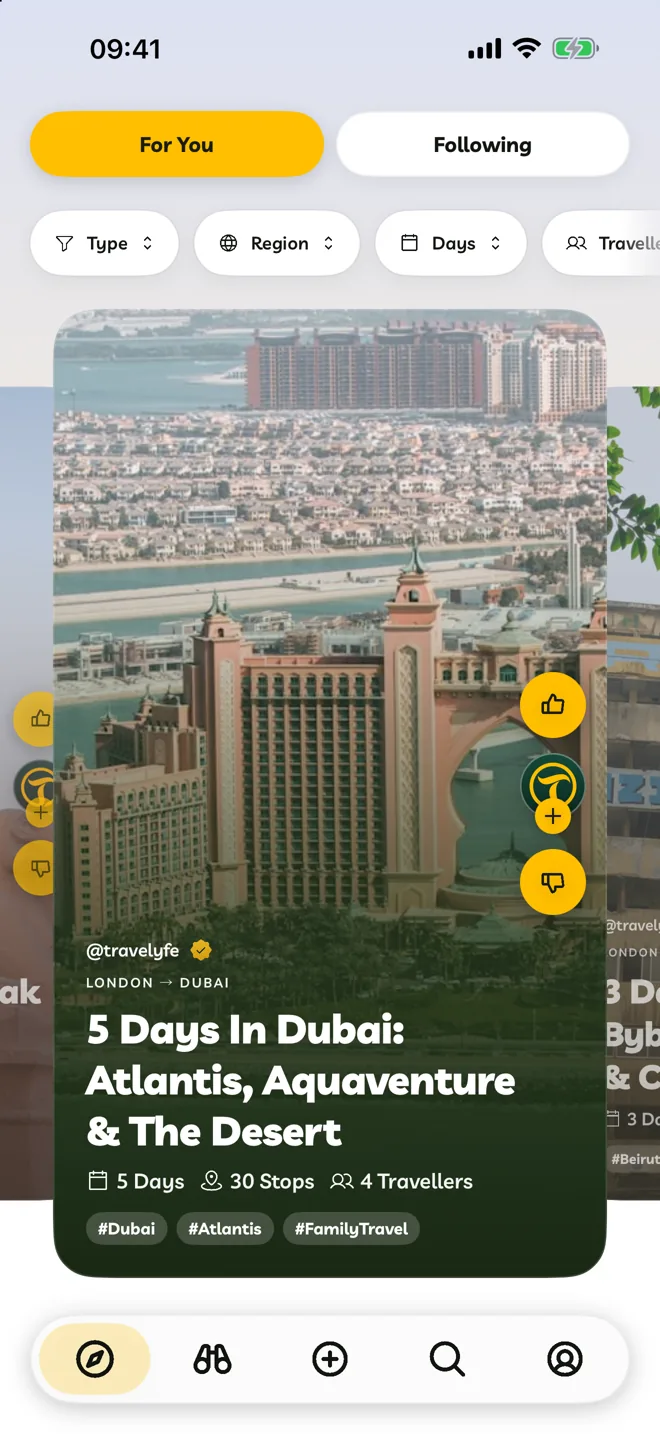
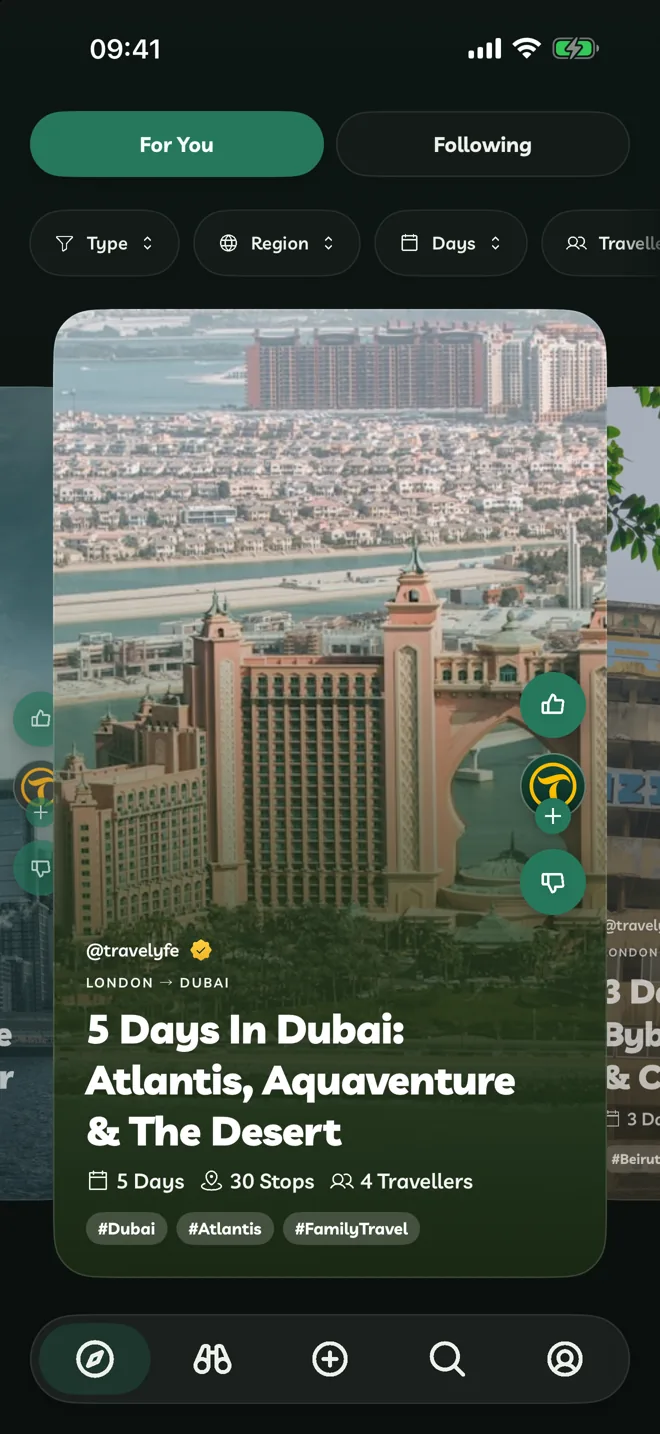
Five buttons along the bottom take you everywhere in Travelyfe. They show icons only, and they're the same on iPhone, iPad, Mac and the web.
| Tab | What it's for |
|---|---|
| Explore | Itineraries from other travellers, in For You and Following. |
| Activities | Tours and things to do that you can book and add to an itinerary. |
| Create | Start a new itinerary, or import one from a link, photos, a video or a PDF. |
| Search | Find itineraries, activities and people. |
| Account | Your profile, your itineraries, notifications and settings. |
Quick Actions
Touch and hold a card or a row to see what you can do with it. On a Mac, or at travelyfe.com, right-click it.
Keyboard Shortcuts
On a Mac, or an iPad with a keyboard:
| Shortcut | Does |
|---|---|
| ⌘N | New itinerary |
| ⌘, | Settings |
| ⌘1 to ⌘4 | Explore, Activities, Search, Account |
| ⌘F | Find an itinerary |
| ⌘R | Refresh |
See Use Travelyfe On A Mac for the full list.
On The Web
At travelyfe.com, point at a tab to see its name. Press Ctrl+F (or ⌘F on a Mac) on the Account tab to search your itineraries, and Esc to close a sheet or an itinerary.