
Set Where And When You're Going
Change the destination, dates, title and number of travellers.
To change an itinerary's details, open it and tap Edit Itinerary in the bottom corner. Changes save as you make them.
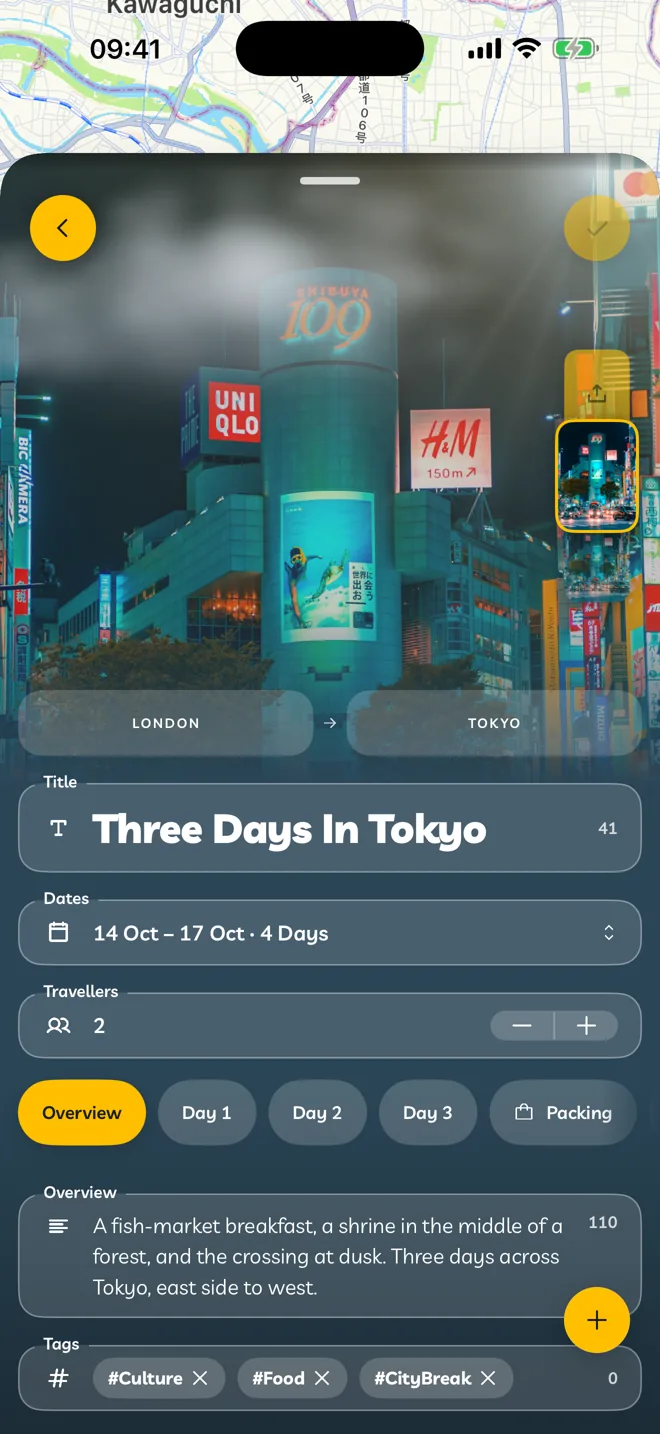
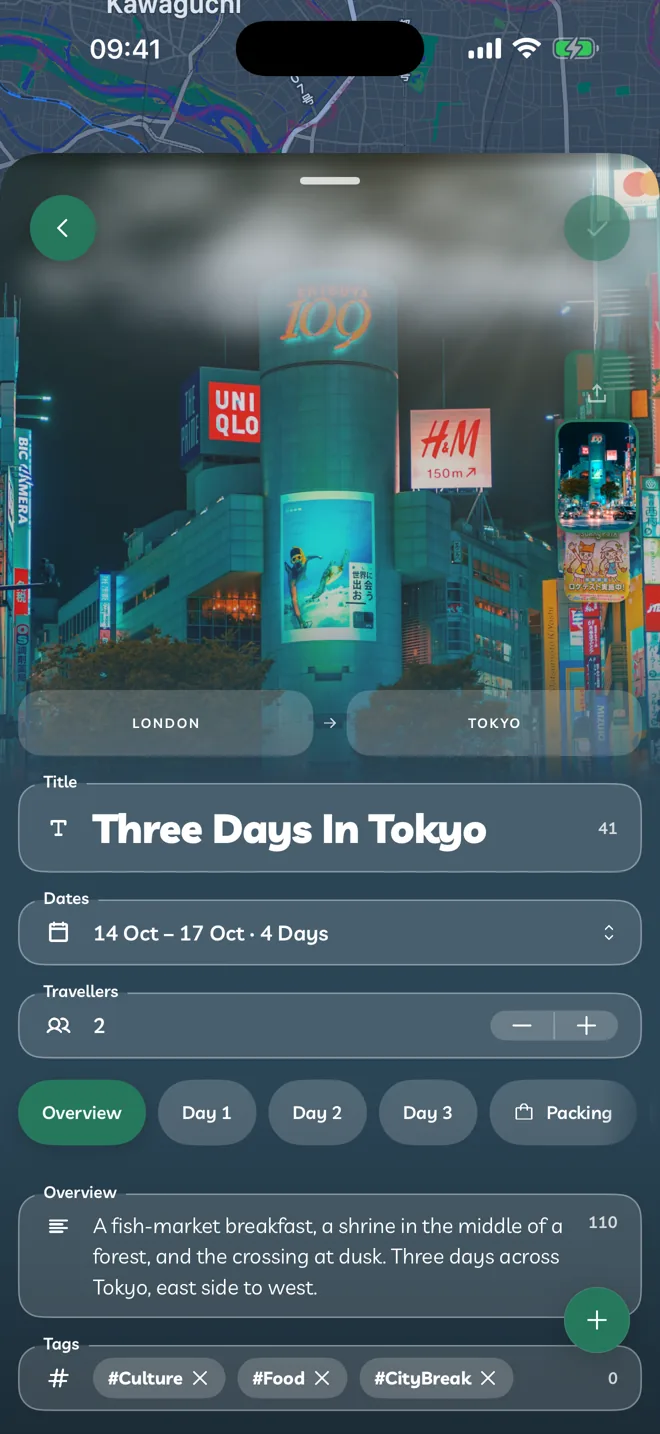
Going From And Going To
Tap Going To to choose your destination, and Going From to choose where you start.
Changing Going To on an itinerary that already has stops, flights or a hotel asks first. Those, your dates and your cover photo are all tied to the old destination, so they're cleared.
Changing Going From when you have flights asks first too, because the flights are removed.
Title
Titles can be up to 60 characters.
Dates
Tap Dates and choose your first and last day. The itinerary gets a day for each date. Reminders, weather and widgets all use your dates.
Travellers
Use − and + to set how many people are going, from 1 to 32.
Overview And Tags
On the Overview tab, write a short description of up to 240 characters.
Add up to three Tags, like Food or Beach. Tags are letters and numbers only, up to 24 characters each. Press space or return to finish one.