
Packing, Expenses And Documents
Keep Your Travel Documents
Keep passports, tickets and bookings with your itinerary, encrypted.
Pro
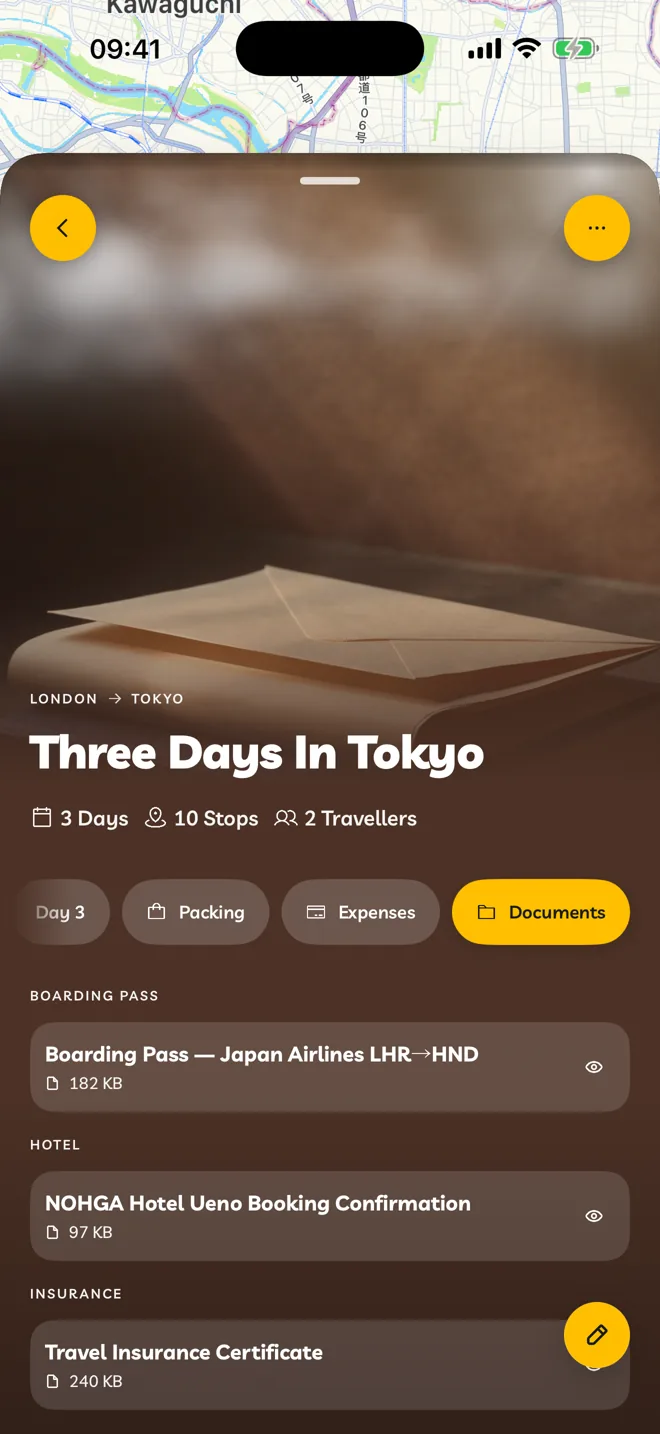
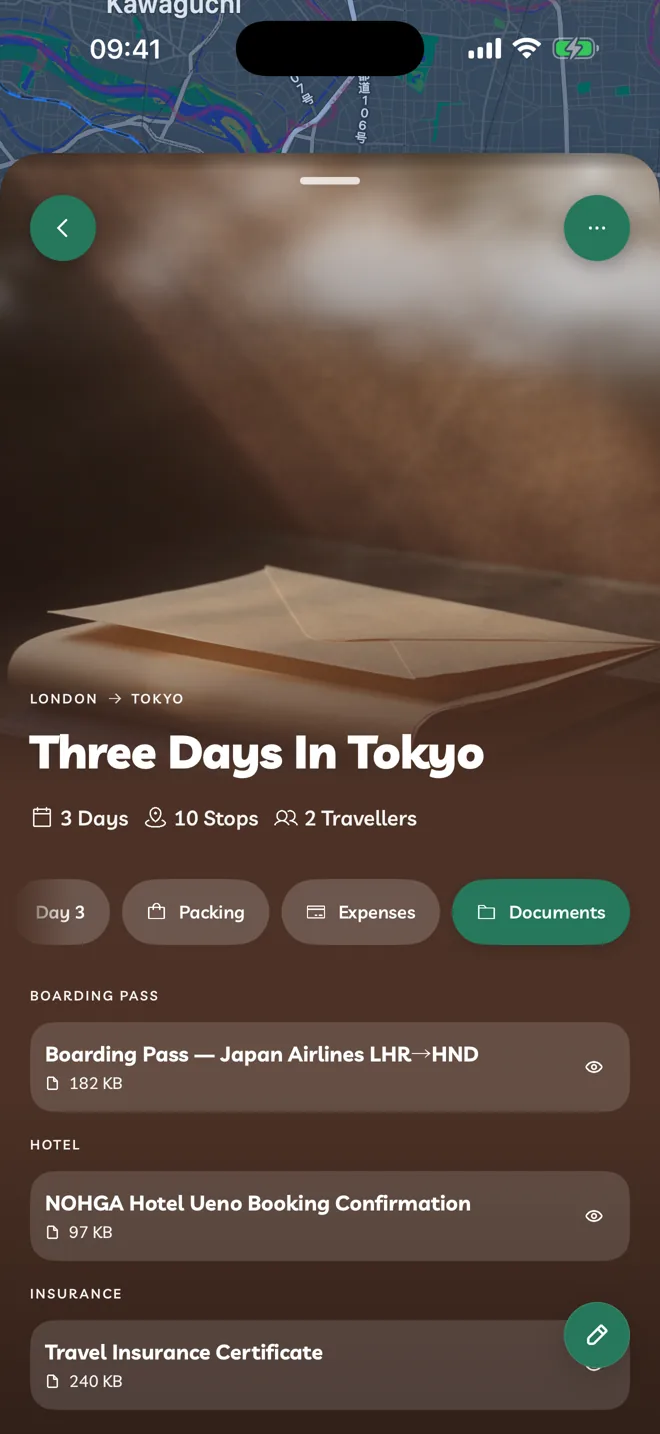
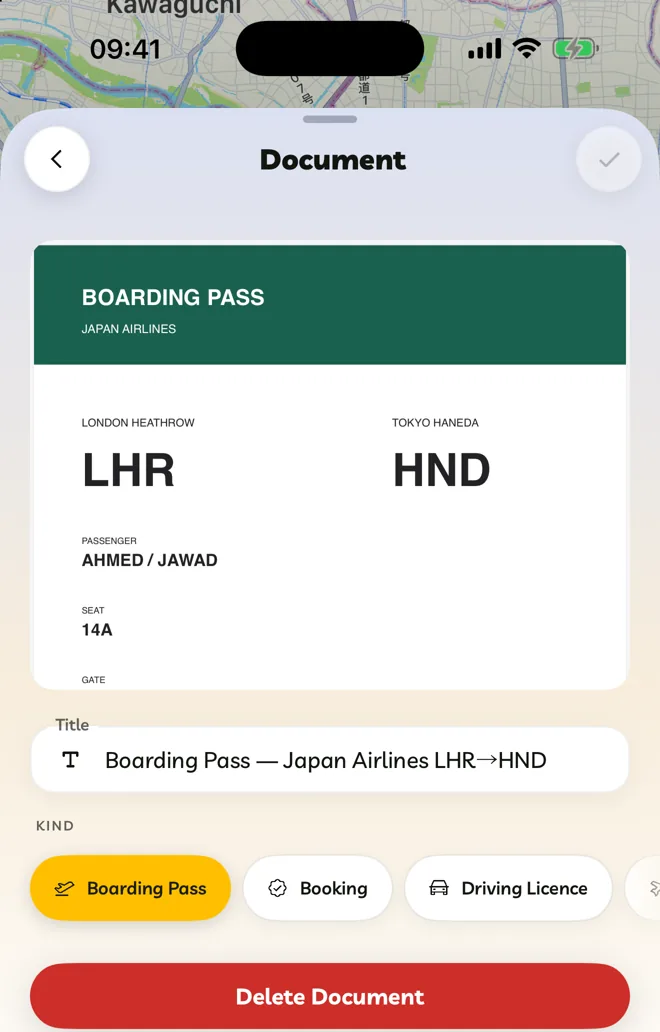
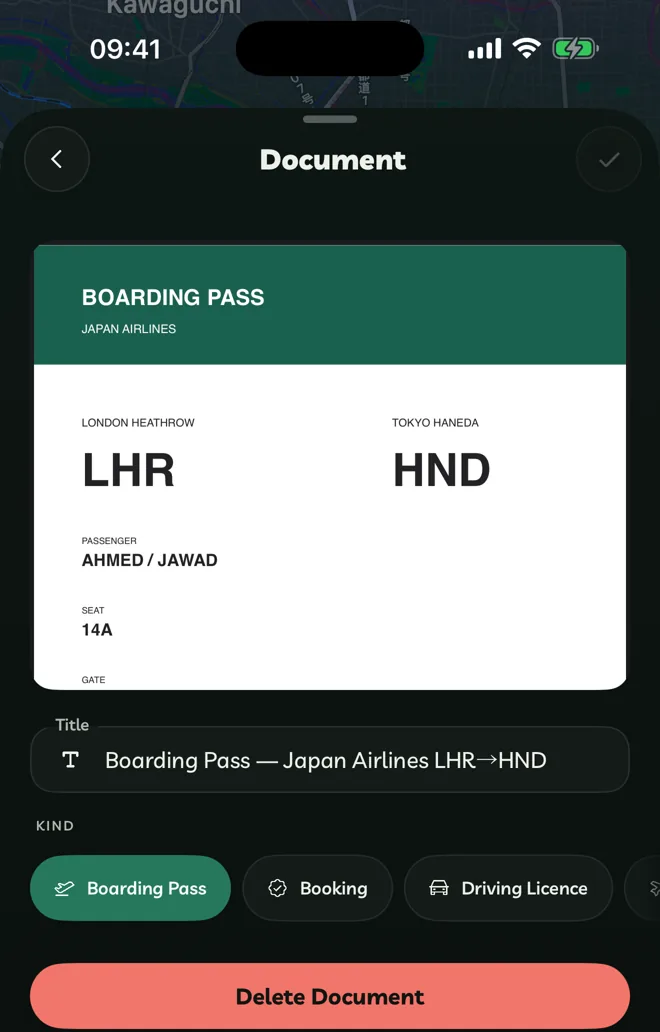
Add A Document
Open your itinerary and tap the Documents tab.
Tap Add Document, then Take Photo, Upload Image or Upload File(s).
Give it a Title and choose its Kind. Tap Save.
Documents can be PDFs or images, up to 20 MB each.
- iPhone and iPad: Take Photo scans the pages into a PDF.
- Mac: Take Photo uses your camera, and can take several pages. You can also drag files onto the tab.
- Web: choose one file at a time.
Kinds are Boarding Pass, Booking, Driving Licence, Flight, Hotel, Insurance, Itinerary, Medical, Passport / ID, Receipt, Stop, Ticket, Transport, Vaccination, Visa and Other.
Encrypted, And Tied To Your Account
Documents are encrypted on your device before they're uploaded, and only your account can open them. Sign in on any device, including travelyfe.com, and they're there.
The Documents tab is on your own itineraries, and on ones shared with you.