
Edit Your Profile
Your name, username, email address and photo.
Account shows your profile: your photo, how many itineraries you have, who you follow and who follows you. Below that are two lists:
- Itineraries: yours, and the ones shared with you.
- Liked: itineraries you've liked, and the ones you've disliked.
Tap the search button beside the filters to search a list. Press ⌘F on a Mac or iPad, or Ctrl+F on the web.
Change Your Details
Go to Account > More Options > Settings > Edit Account.
Change your First Name, Last Name, Username or Email Address.
Tap Save.
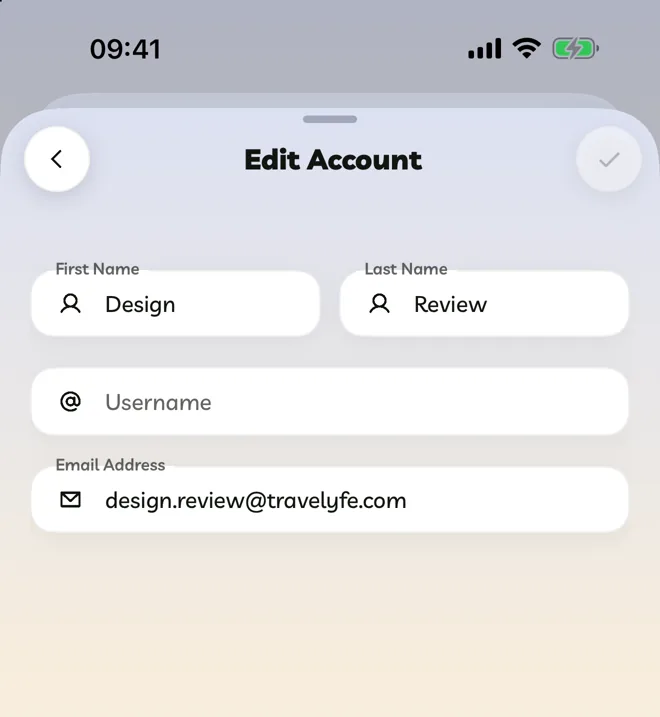
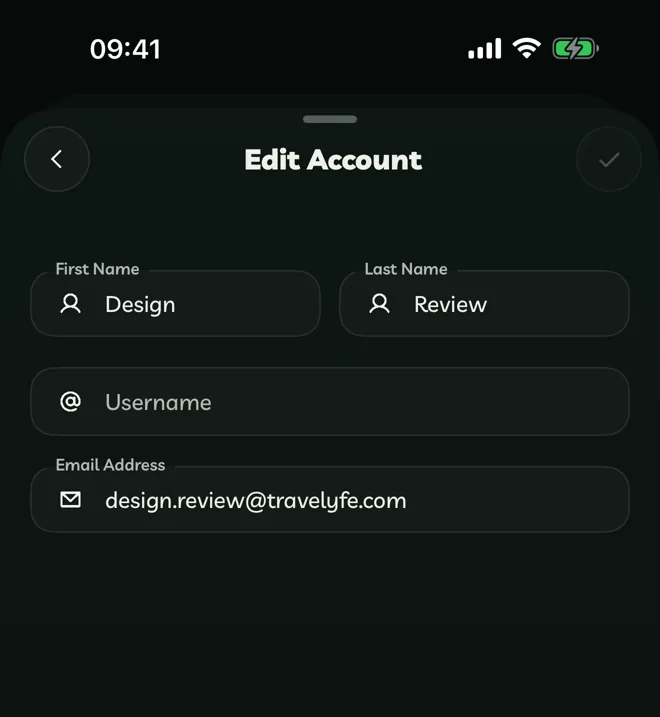
When you change your email address, we send a code to the new one. Type it in the boxes under the field to confirm.
If you signed in with Apple or Google, your email address comes from that account and can't be changed here.
Change Your Photo
Tap your photo, then choose Take Photo, Upload Image or Upload File(s). Drag and pinch to fit it in the circle, then confirm. Remove Image takes it away.
Share Your Profile
Go to Account > More Options > Share Account.
Verified Badge
Travelyfe Pro members get a gold verified badge on their photo. Tap Go Pro beside your name to get it. Pro