Notifications
Manage Notifications
Your notification inbox, and turning notifications on or off.
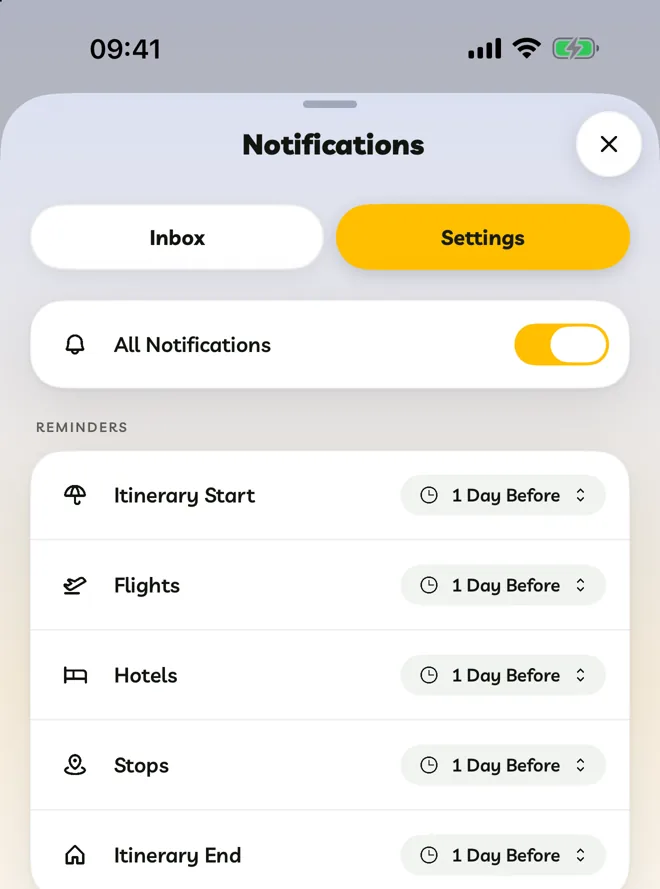
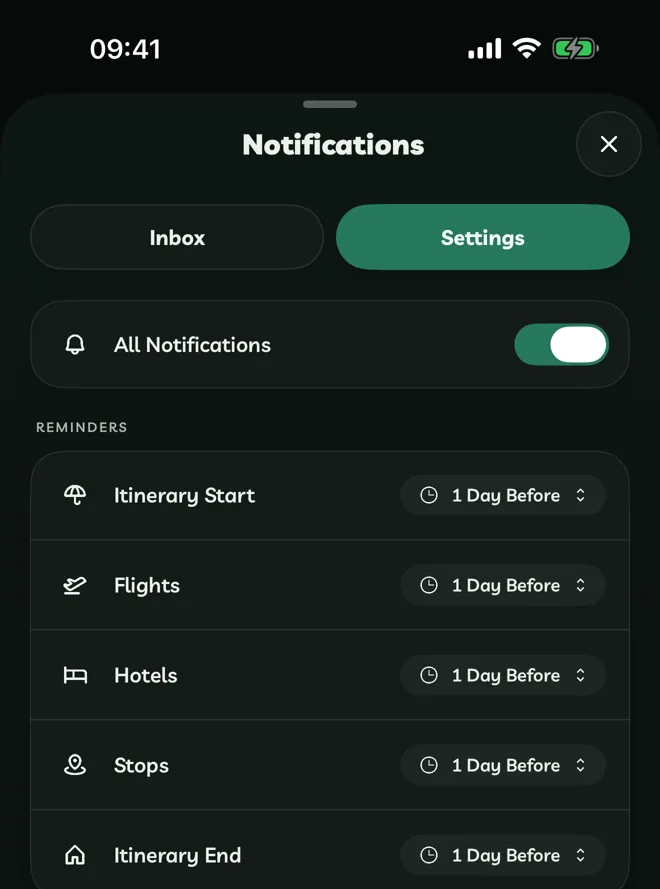
Go to Account > Notifications. It has two tabs: Inbox and Settings.
Inbox
Every notification appears here. Tap one to open what it's about.
- Mark As Read marks them all as read.
- Delete All clears the inbox.
- To delete one, touch and hold it (or right-click it) and choose Delete Notification.
Turn Notifications On Or Off
In Settings, the All Notifications switch turns every notification on or off at once. Below it, choose reminders and social and import alerts.
Your device must also allow notifications from Travelyfe:
Go to Settings > Notifications > Travelyfe and turn on Allow Notifications.