
Track Expenses
Record spending in any currency and see the total in yours.
Add An Expense
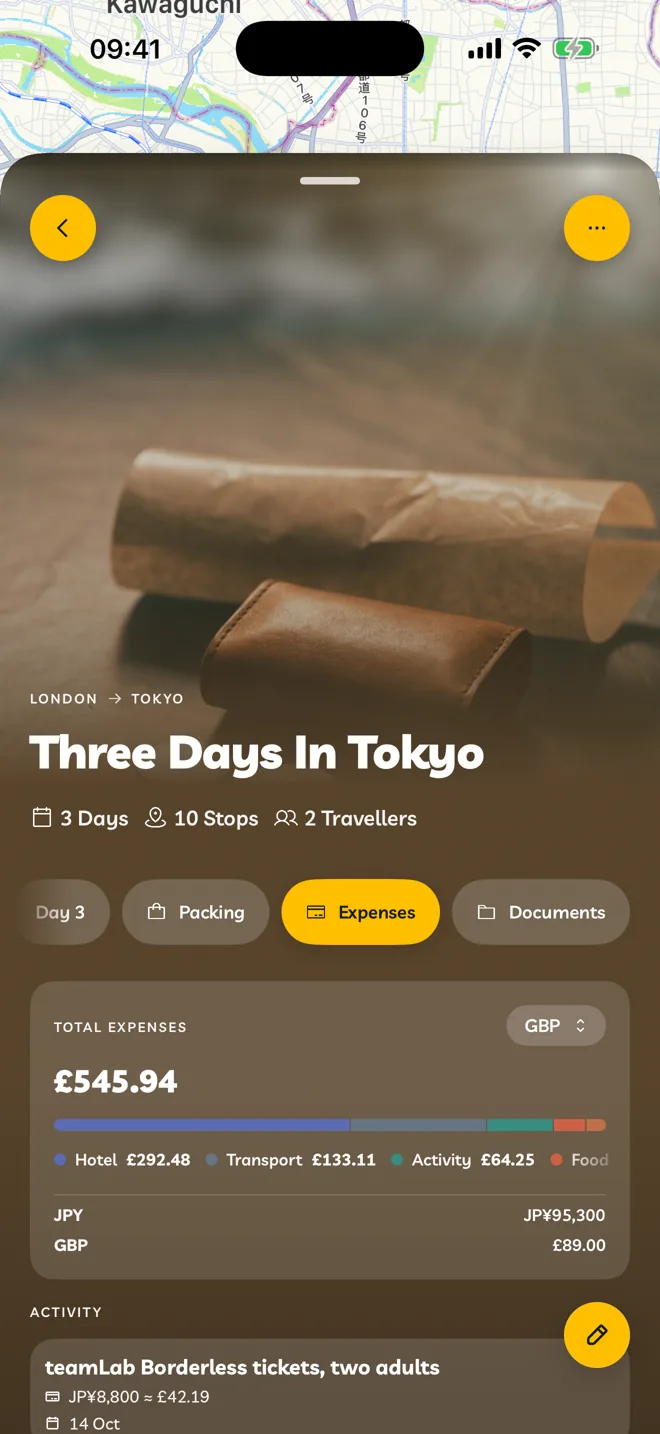
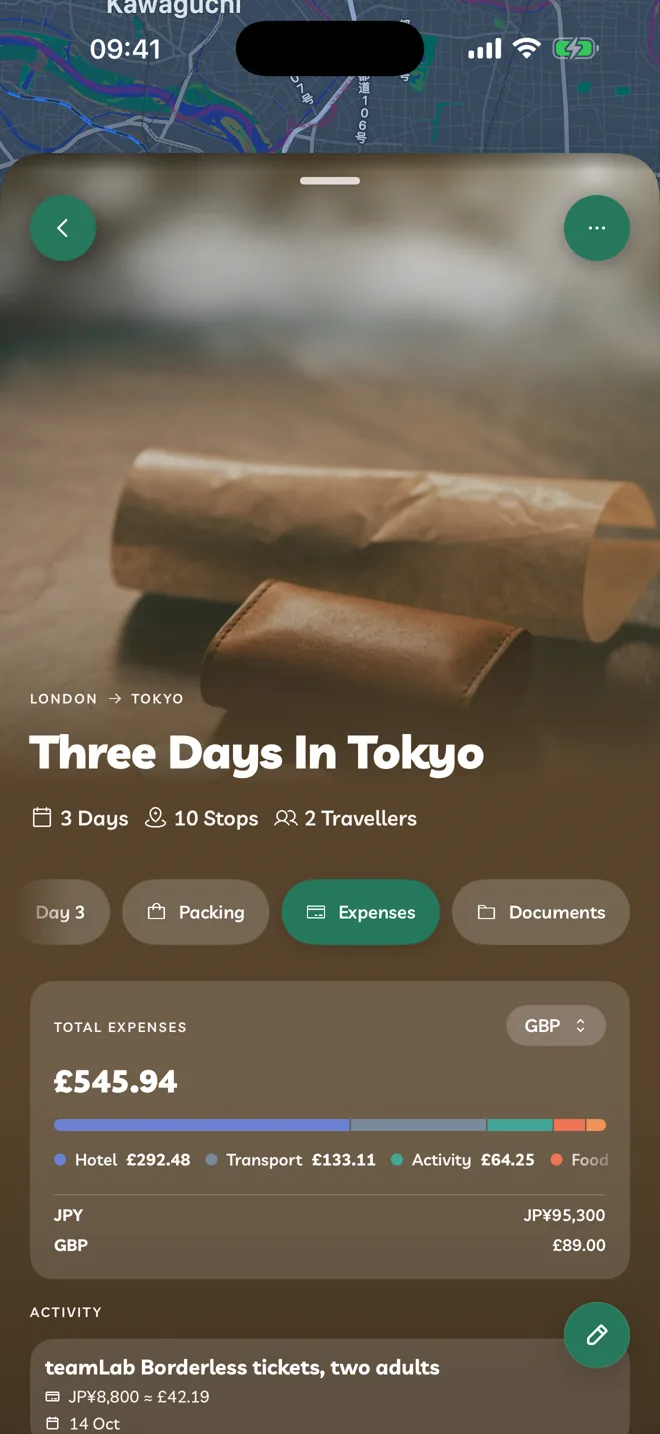
Open an itinerary and tap the Expenses tab.
Tap Add Expense, then Add Manually.
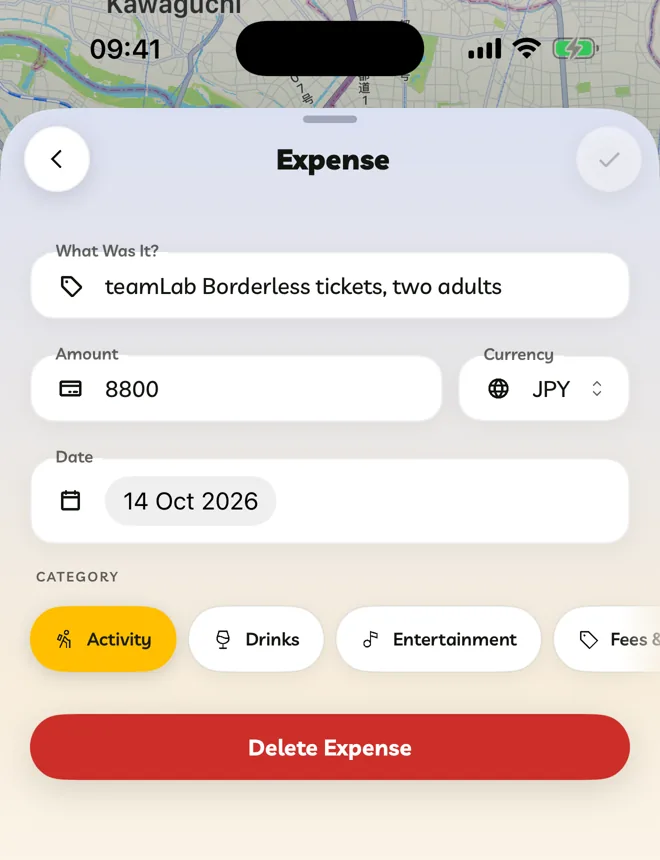
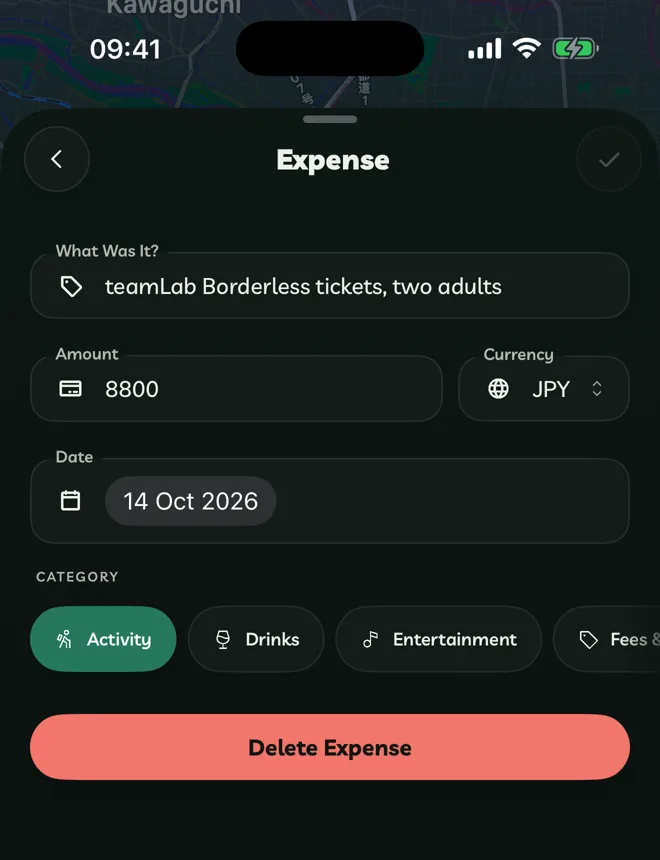
Fill in What Was It?, the Amount, the Currency, the Date and a Category. Tap Save.
Categories are Activity, Drinks, Entertainment, Fees & Tips, Flights, Food, Gifts, Health, Hotel, Insurance, Parking, Shopping, Stops, Tickets, Transport and Other.
Add Expenses From A Receipt
Tap Add Expense, then Take Photo, Upload Image or Upload File(s), and pick your receipt.
Travelyfe reads the receipt on your device and adds what it finds. Tap Undo if something's wrong. For a PDF, only the first page is read.
Reading receipts is only in the app, not on the web.
Your Total
Total Expenses at the top adds everything up in one currency, with a breakdown by category. Tap the currency beside the total to change it.