
Import From Another App
Send a link, photos or a video to Travelyfe from the Share button.
You don't need to open Travelyfe first. Travelyfe builds the itinerary right where you are, on iPhone, iPad and Mac.
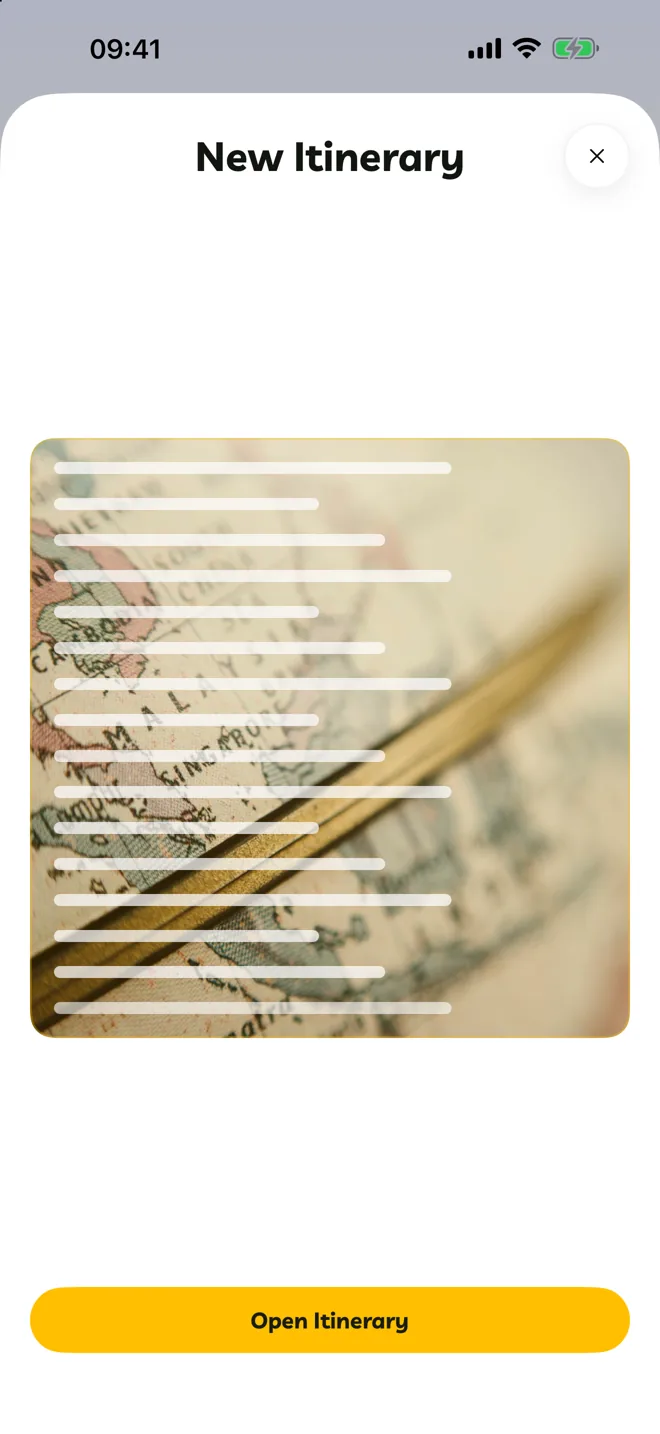
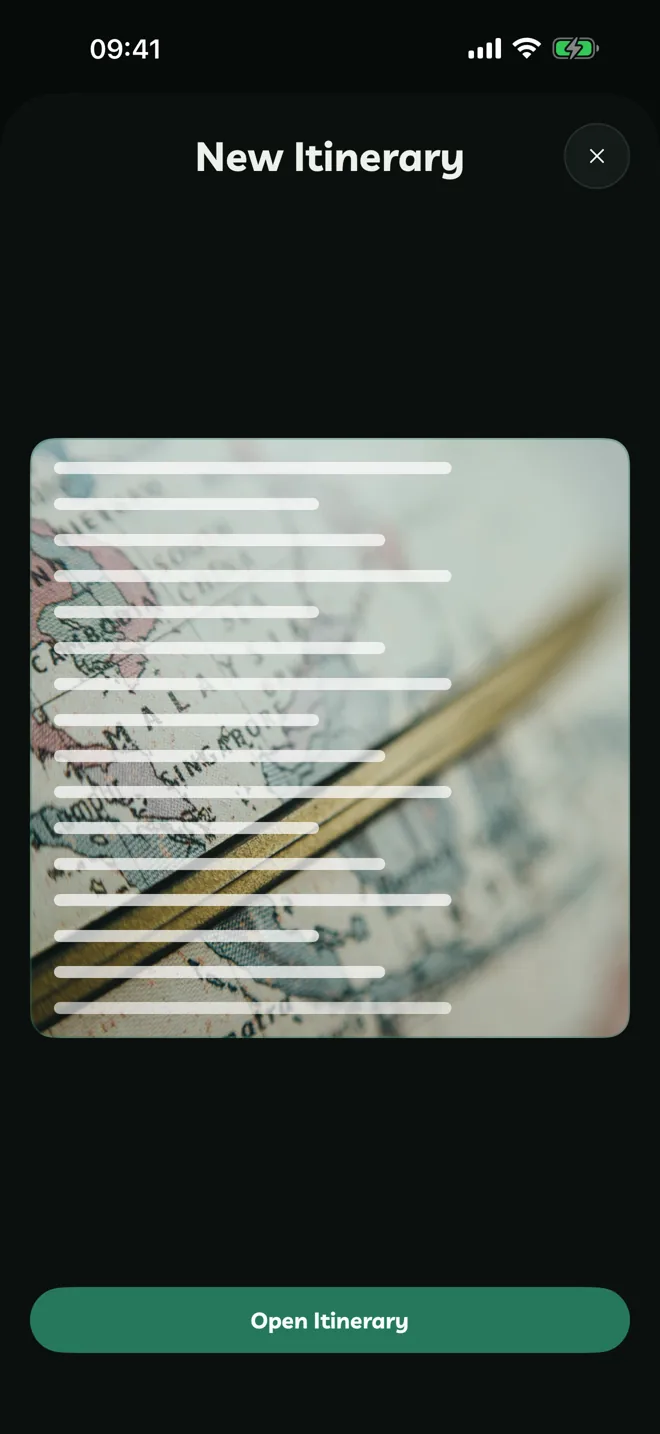
In TikTok, YouTube, Safari, Photos or any other app, tap Share.
Choose Travelyfe. If you don't see it, scroll to the end of the row of apps, tap More and add Travelyfe.

Travelyfe reads what you shared and builds the itinerary. Tap Open Itinerary to see it.
You can share links, web pages, text, up to 31 photos, a video, a PDF or a place from Apple Maps.
Keep the card open until it's done. Closing it cancels the import.
If you're signed out, or don't have Pro, the card offers Open Travelyfe instead.
Boarding Passes
Share a boarding pass to Travelyfe, from Wallet, Mail or Files. Travelyfe opens and makes a new itinerary with that flight. Pro
Siri And Shortcuts
Say "Import an itinerary from a link in Travelyfe", or use the Import Itinerary From Link action in the Shortcuts app.