
Import From A Link
TikTok, YouTube, Pinterest or any travel page.
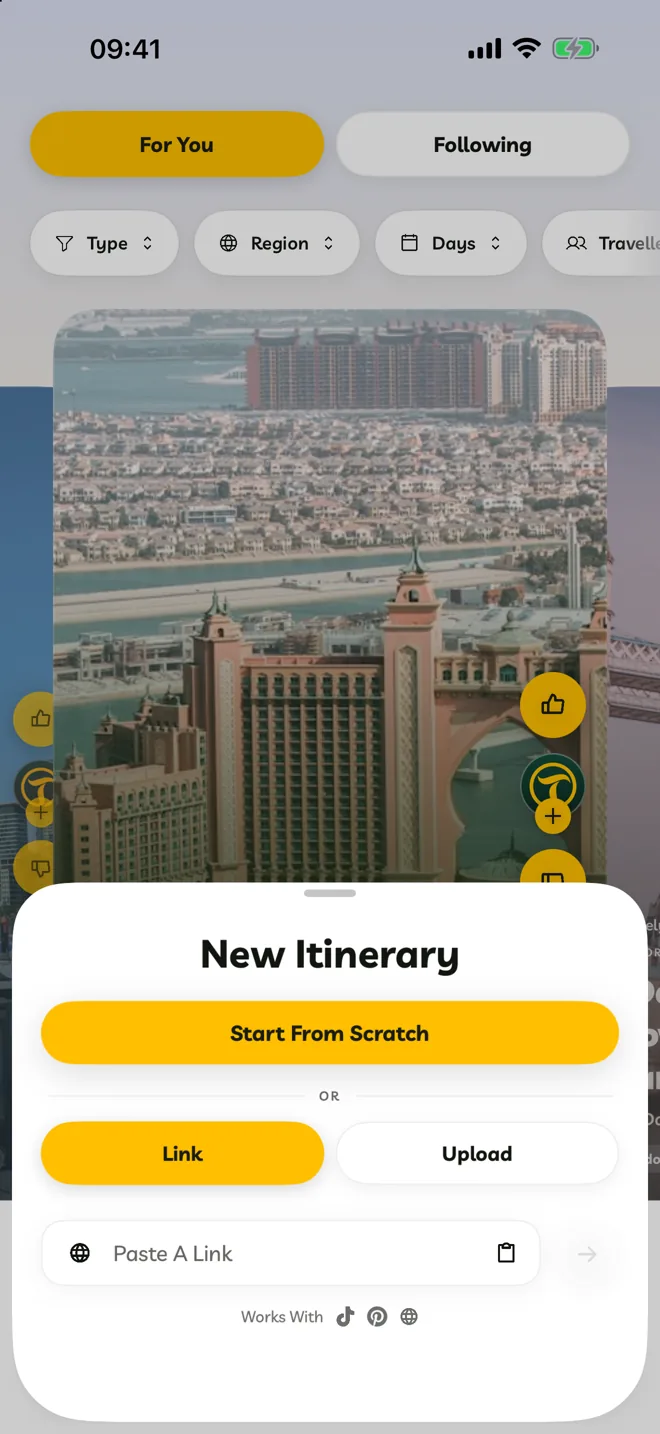
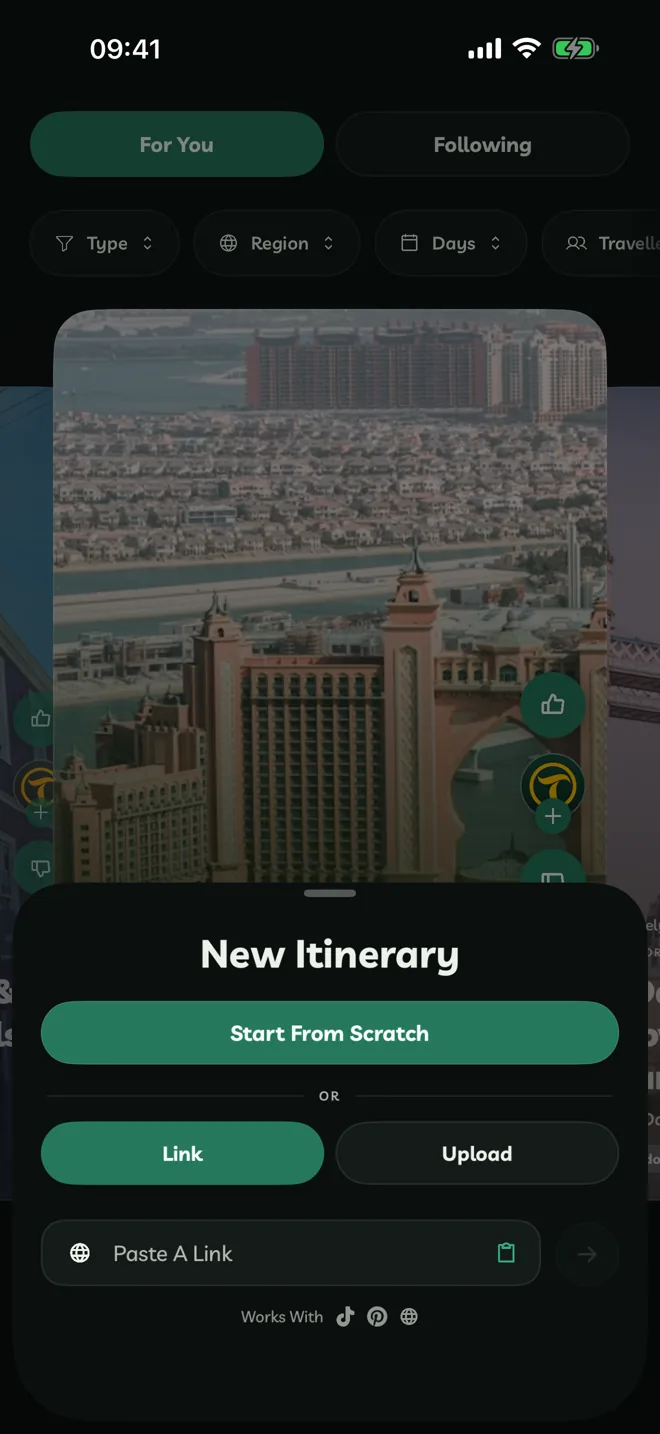
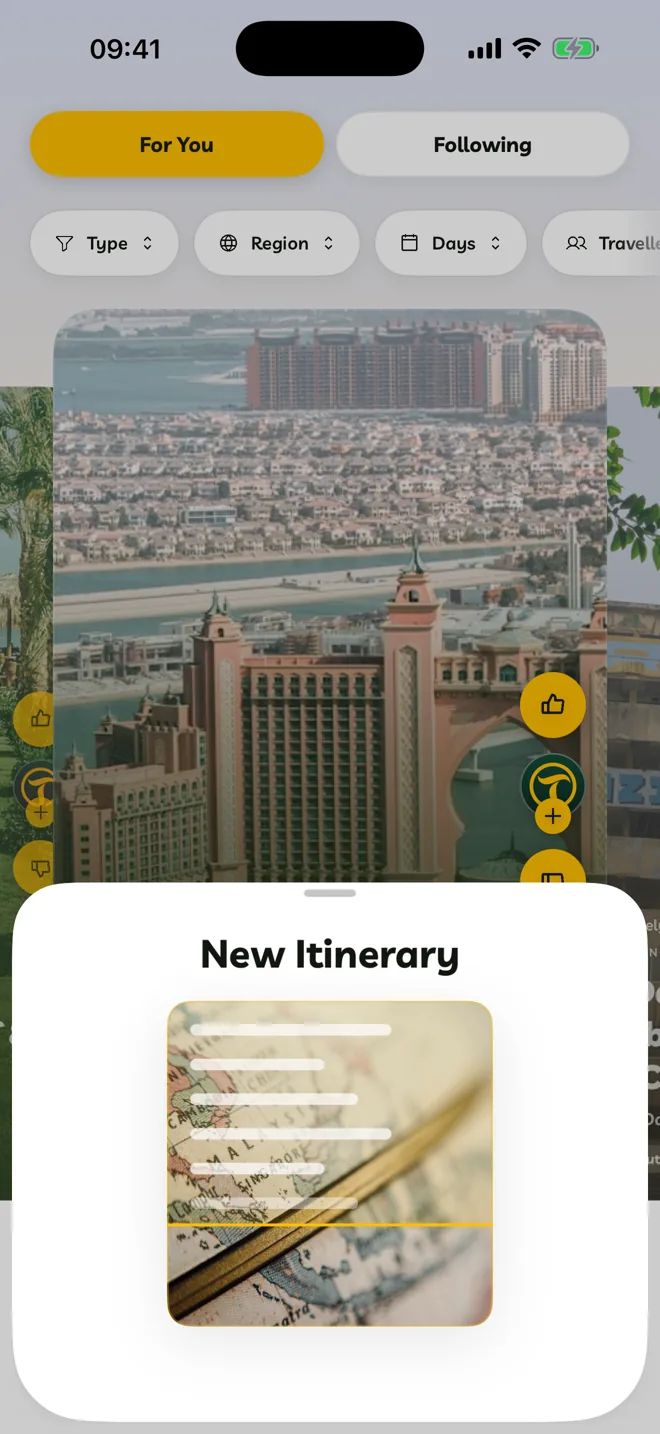
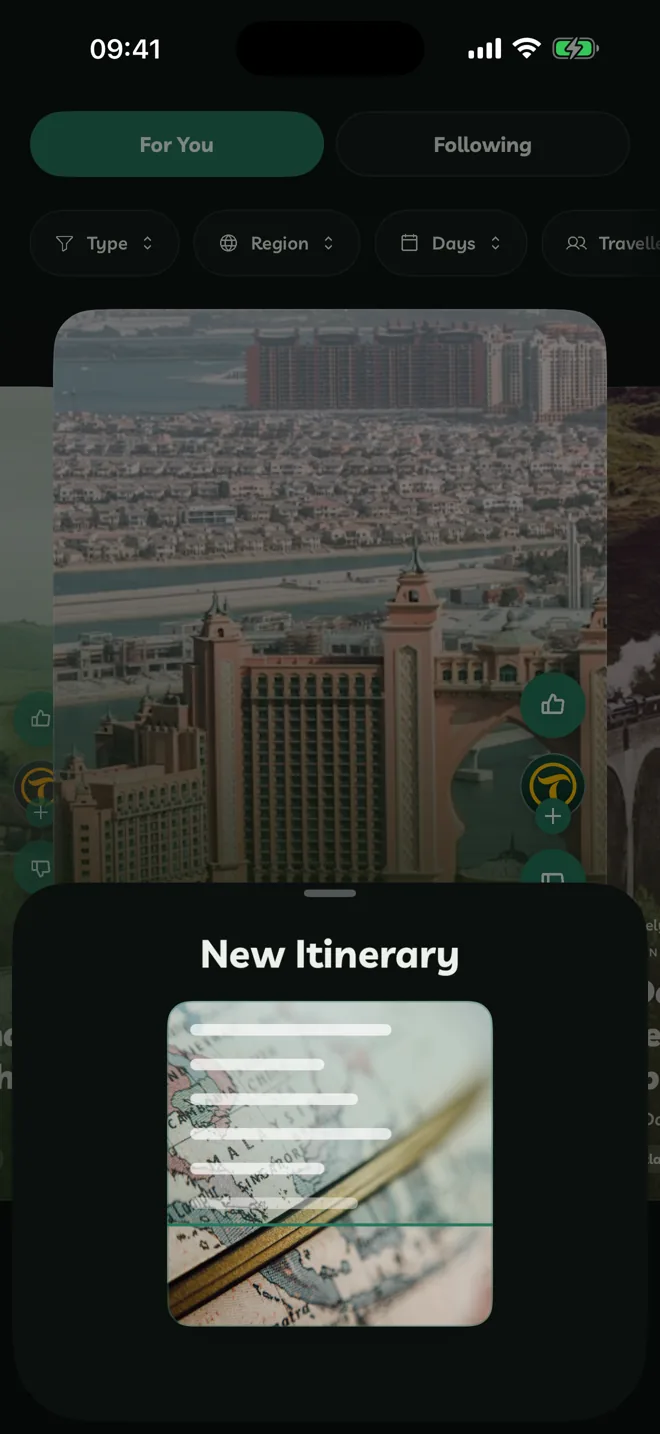
Copy the link in TikTok, YouTube, Pinterest or your browser.
In Travelyfe, tap Create. Under Link, tap the paste button in Paste A Link.
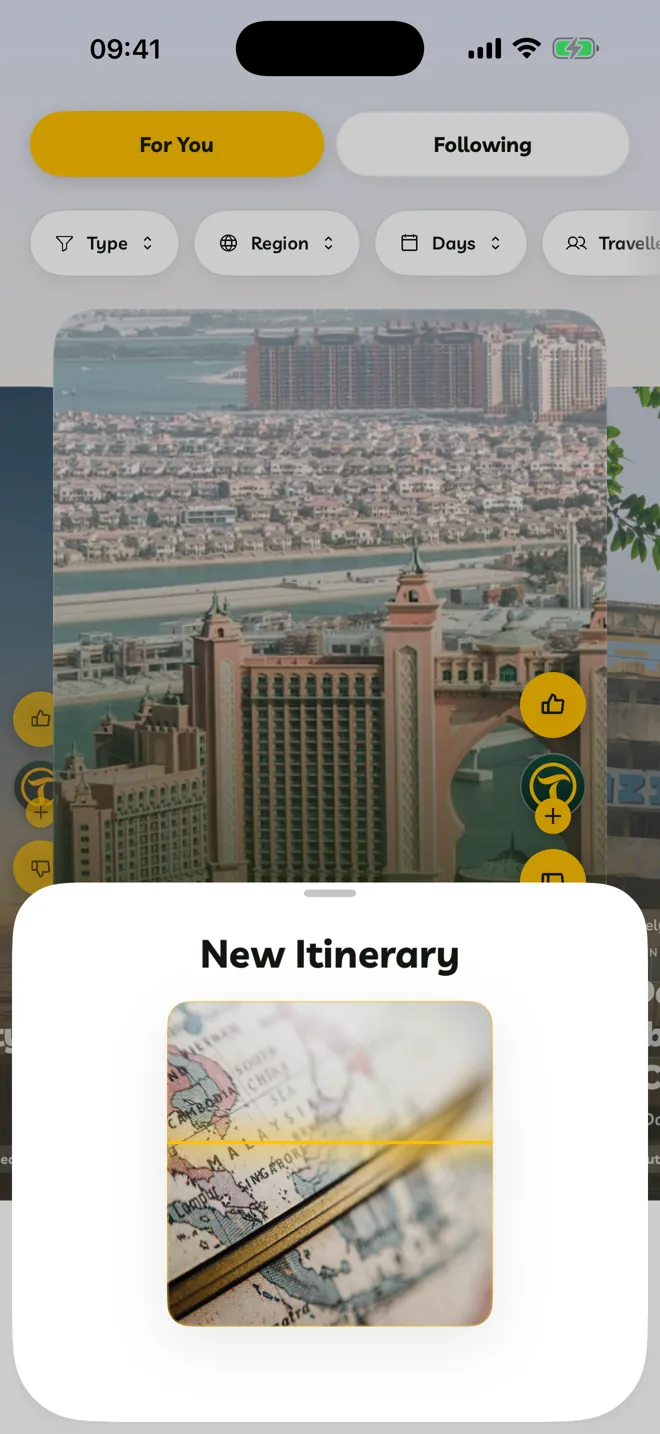
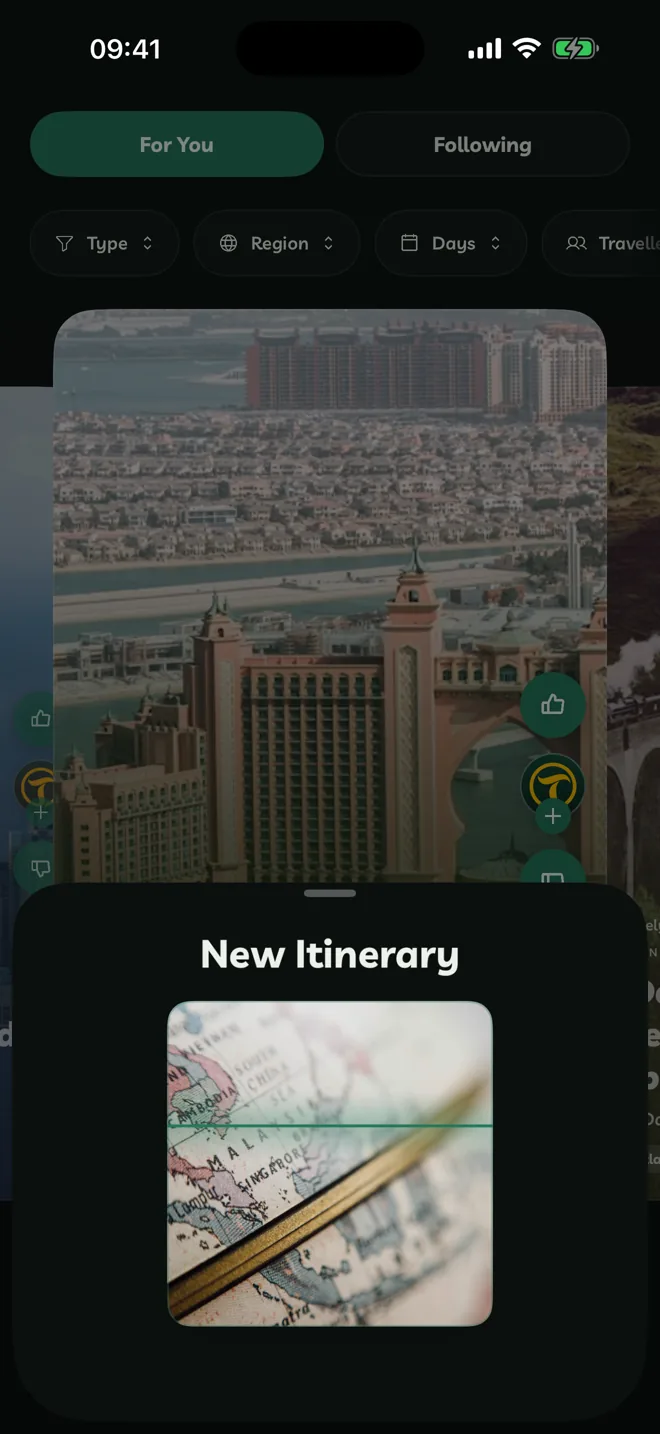
Tap the arrow. Travelyfe reads the post or page, then builds the itinerary.
Tap the finished itinerary to open it.
If you leave Travelyfe while it's building, you get a Your Itinerary Is Ready notification when it's done. You can turn that off in notification settings.
Works Best With
- Videos and posts that name the places they visit, in the caption, on screen or out loud.
- Travel guides and articles with a list of places.
- Links from TikTok, YouTube, Pinterest, X, Reddit and Google Maps, and most web pages.
Instagram doesn't let apps read its videos. Save the Reel to your photos instead, then import it with Upload. See Import From Photos, Videos Or PDFs.
Paste Text Instead
The same field takes text as well as links. Paste your notes, a list of places or a booking confirmation email, then tap the arrow.
After The Import
The itinerary is yours to change. Check the days and times, add your dates and move stops around. Going From is set to where you are.